

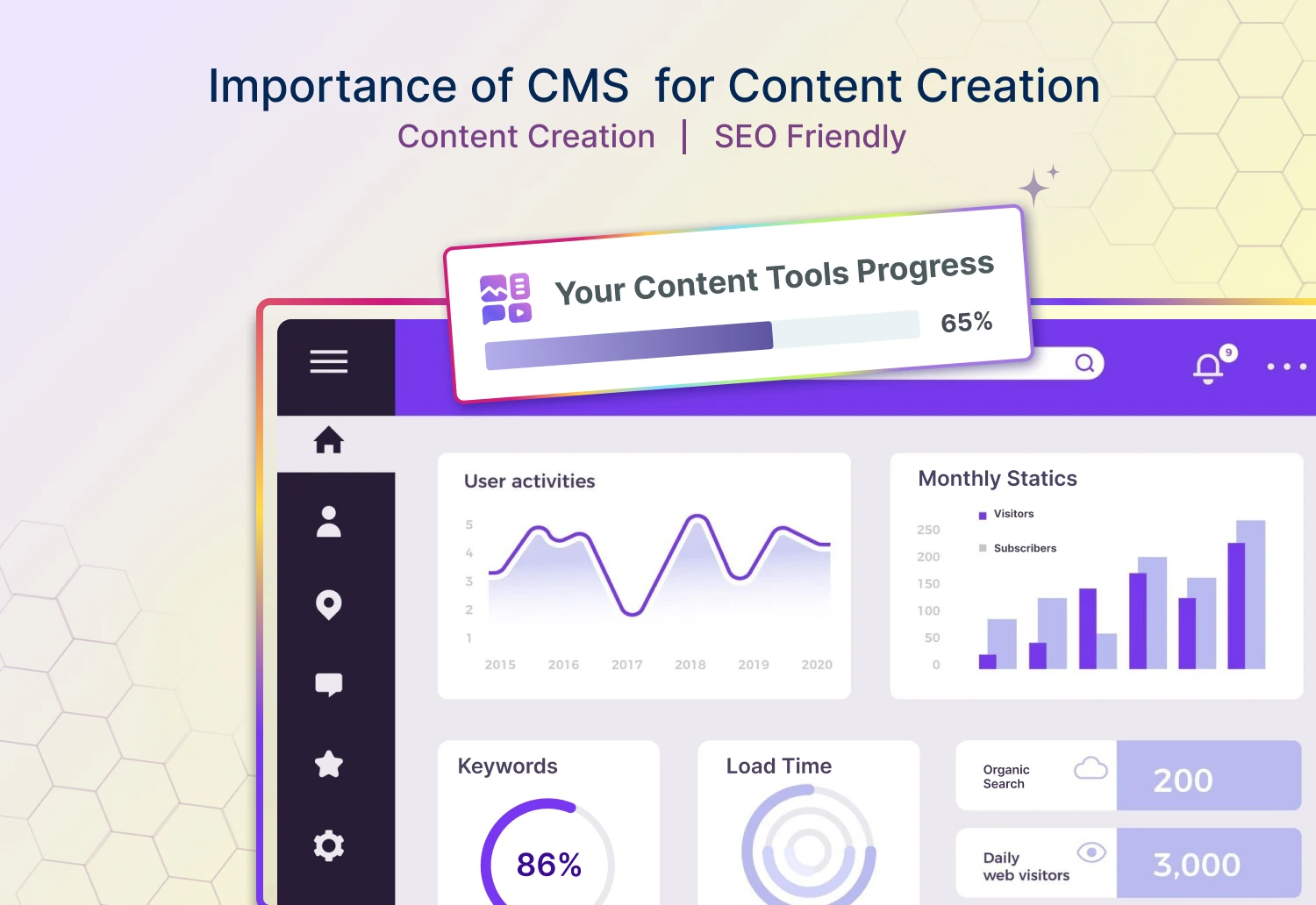



Can a CMS (Content Management System) be a game changer? How it works? What are the tools and technologies in CMS? Is there any role of CMS in content publishing and distribution?
Before delving into it, we will give you an idea of CMS. So, what is it❓ CMS is a tool or program used to create and manage content. It helps organize and manage the creation—editing, publication, and arranging of digital content. The essential role of the CMS is to create content and allow users to publish more efficiently and smoothly. Both technical and non-technical users can use the Content Manage System to produce content at scale, ensuring quality, findability, and brand consistency.
Here, we will give you a detailed idea of CMS, navigating the functionality, implementation, and benefits. So, without further delay, let’s delve into the world of CMS and explore its essentials.
Types Of Content Management System
Users who want to use the CMS must know the types of it. The choice of CMS can impact the content management, presentation, and experience of users. Types of CMS are as follows.

🗒 Traditional CMS – Traditional CMS is a straightforward way to create and manage content that doesn’t require technical knowledge. It is the platforms where the back-end (Content Management) and front-end (Content Presentation) together can work. Here, users can manage and preview the content regarding how it will appear to the end user.
 Headless CMS – Headless CMS only provides the back-end, where the content is created and stored. It is beneficial for businesses that need to distribute content on many platforms.
Open-Source CMS – Open-source content management is freely available for anyone. Users can use, modify, and distribute content with this CMS. WordPress, Joomla, and Drupal are open-source CMS popularly known for their flexibility and customization options.
Proprietary CMS – Proprietary CMS is a paid CMS. Users may need to pay or purchase a one-time license fee to use this CMS. Proprietary CMS offers users more control over creating new content.
Ways To Implement Content Management System For Efficient Content Creation
There are many ways to implement the CMS in operation. Users must be aware of the best ways to implement the CMS. Some of the effective ways to implement content management strategies are as follows.
Users must identify the pain points across the content process for content operations. Users must look at how a content management tool can fill the gaps in writing, reviewing, approving, scheduling, and publishing content.
Users must research enterprise and cloud CMS tools to find the best fit based on their goals. Then, they can optimize for their needs through extensions, custom fields, etc.
Users must strategically plan content migration into the CMS to keep URLs, metadata, content integrity, and consistency. This strategy will help users avoid duplicate content issues and provide a better overall transition.
With this CRM tools-related customer success representative and any internal trainers, you must ensure all content creators maximize the CMS. Owners must provide ongoing training, learning resources, and documentation.
Additionally, content writing services can develop eye-capturing content that helps them to stand out from the contention.
Benefits Of Content Management System For Improving Content Management
✨ Increase Team Productivity
CMS can increase team productivity. Manual tasks can take a lot of time. However, this automation can free up more time for the team to produce more.
✨ Increase Scope For Collaboration
The content management tools allow for comment, annotation, and approval, leading to better cross-functional collaboration and communications.
✨ Brand Consistency
Users can use the CMS tool to create templates, workflows, and permissions, leading to brand consistency across channels and running the operation smoothly.
✨ Quality Control
Users can reduce the error with this content management tool. Users can use this content management tool to review, correct errors, and produce quality content.
✨ Increase Content Visibility
CMS has built-in SEO features that help users rank in search engine results. This tool assists users in targeting the right audience.
✨ User Friendly
CMS provides a user-friendly interface to run the content operation smoothly. Content management systems help users produce content and publish without requiring technical knowledge.
CMS can help businesses to scale up their productivity and foster business success. Implementing a tool requires training. Business owners should train their employees to use the tool efficiently for quality content creation and running operations smoothly.